Chiropractic website design: how to turn local searches into booked appointments
Most new patients find a chiropractor on Google, often while they are in pain. Here is what a chiropractic website needs to win that visit and turn it into a booked appointment, with examples from clinics and healthcare practices we have built for.
 By Asim Baloch, Founder of Tangle Logics
Updated · 4 min read

Why chiropractic websites lose patients
A patient with back pain, sciatica or a sports injury usually searches, opens two or three clinic websites and books with the one that feels right. Most chiropractic websites lose that patient in the same few ways:
- The homepage talks about the clinic, not about the patient's problem
- There is one page for "services" instead of a page for each condition
- The team is hidden behind stock photos
- Booking means hunting for a phone number or filling in a long form
- The site is slow or awkward on a phone, where most local searches happen
Each of these is a design decision, and each one can be fixed.
Start with the problem, not the practice
Lead with what you treat
Your homepage headline should say what you do and where, in the words patients use: "Fairfax chiropractor for back pain, sciatica and disc problems" beats "Welcome to our practice". Put the location, phone number and booking button in the first screen.
A page for every condition
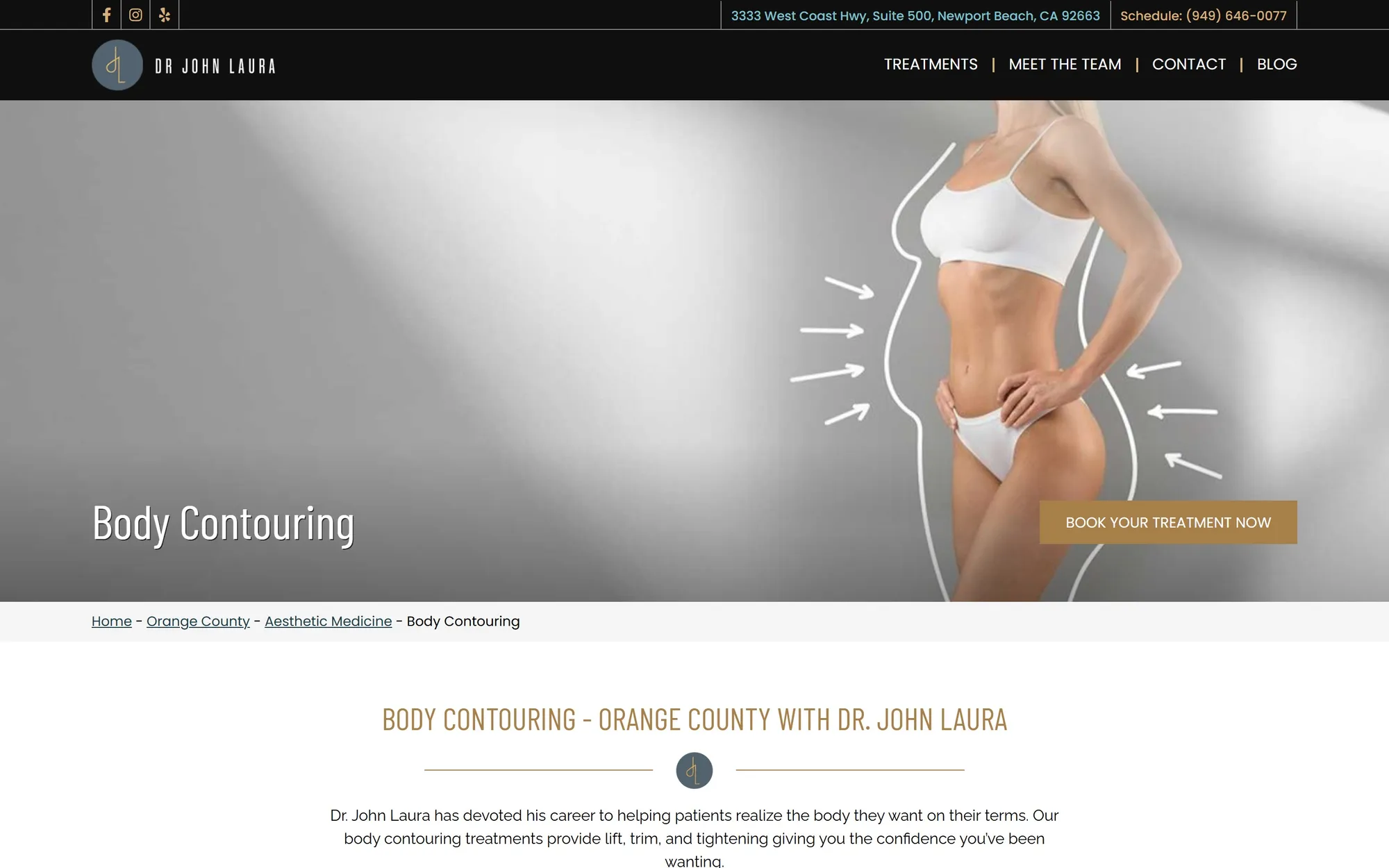
Create a page for each condition and body area you treat: lower back pain, neck pain, sciatica, headaches, knee, shoulder, hip and sports injuries. Each page should explain the problem, how you treat it, what a first visit looks like and how to book. These pages are also how you rank, because patients search for "sciatica treatment near me", not for "chiropractic services".

Help patients find the right page
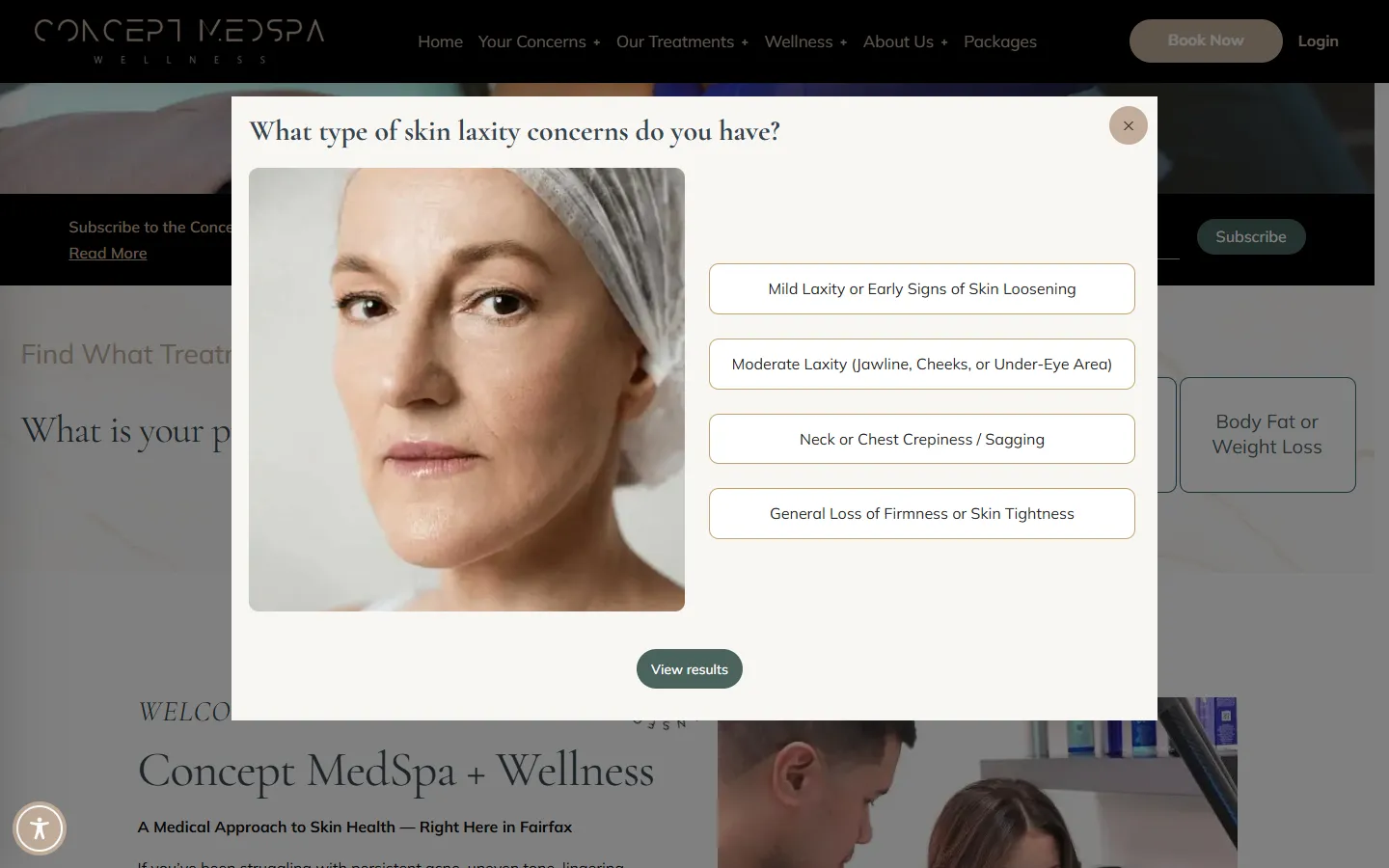
If you offer many treatments, guide visitors by their concern rather than making them decode treatment names. A short "What is your main concern?" step, with a few clear choices, gets each visitor to the right page in two clicks.
Build trust quickly
Show the doctors and the clinic
Patients are trusting someone with their body. Real photos of your chiropractors, your treatment rooms and your front desk, with short introductions and credentials, do more for trust than any stock image.
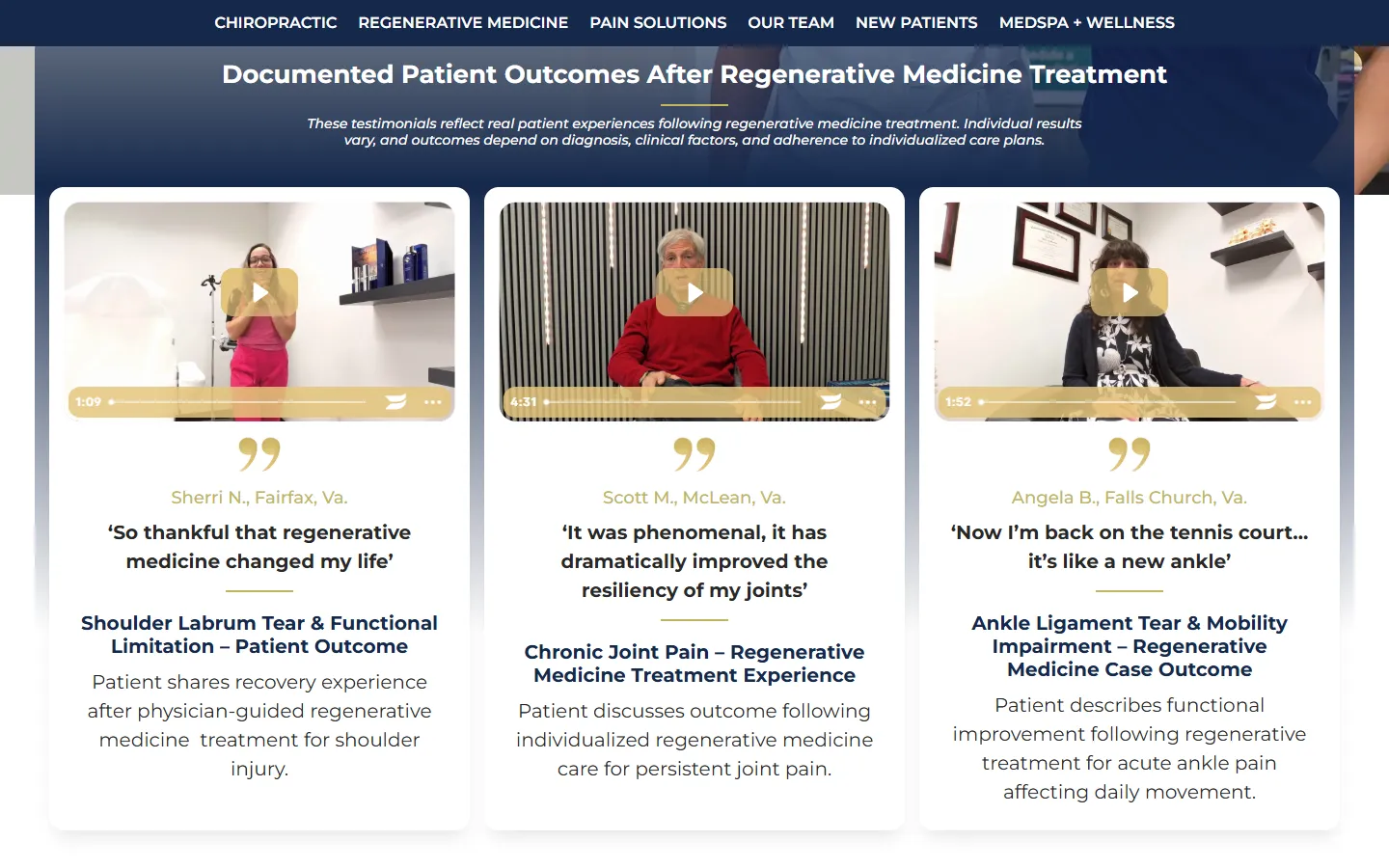
Patient outcomes, presented responsibly
Video testimonials are the most persuasive content a clinic can have. Title each one with the condition treated, and add a short note that individual results vary. It is honest, and it keeps you on the right side of healthcare advertising rules.
Explain newer treatments in plain language
If you offer regenerative medicine, PRP, decompression or shockwave therapy, explain what it is, who it suits and what to expect, then answer the common questions in an FAQ. Patients who understand a treatment are far more likely to book it.
Make booking effortless
Keep the booking button in view
The appointment button belongs in the header of every page. On phones, a call or book button fixed to the bottom of the screen lets patients act the moment they decide.

Online booking and new patient forms
Connect your practice management or booking software, so patients can pick a time without calling. Let new patients complete their intake forms online before the first visit, through a secure link, and explain what to bring and what will happen.
Prepare patients for their visit
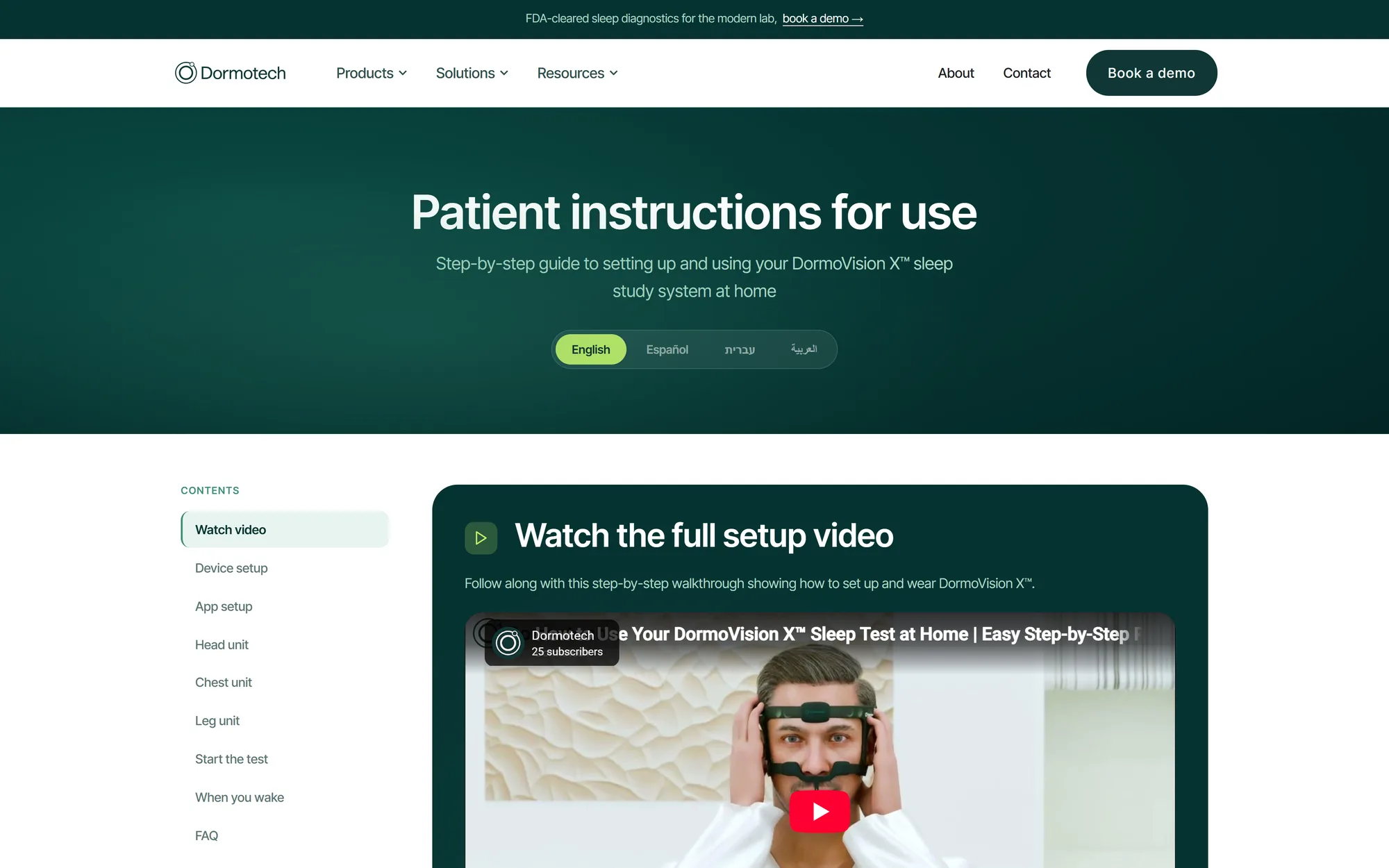
Preparation and aftercare pages save your team phone calls and help patients arrive ready. Step-by-step instructions, short videos and a contents list work best.

Local SEO for chiropractors
Most chiropractic patients come from within a few miles, so local search matters more than anything else:
- Put your name, address and phone number on every page, exactly as on your Google Business Profile
- Mention the neighbourhoods and nearby towns you serve, naturally, in your content
- Create a page for each condition, and for each location if you have more than one clinic
- Encourage reviews on Google, and show them on your website
- Add a map and directions, including parking and accessibility
- If your team speaks other languages, say so clearly
Treatment pages that convert
A strong condition or treatment page follows a simple pattern:
- Name the problem in the patient's words, with the location
- Explain the causes and symptoms briefly
- Describe how you treat it and what a visit involves
- Show proof: a relevant testimonial or outcome
- Answer common questions: cost, number of visits, insurance
- End with a clear booking button
Planning a new website?
Send us your current site or your idea. We reply within 24 hours with the recommended approach, timeline and a fixed quote.
A launch checklist for chiropractic websites
- A homepage headline that names what you treat and where
- A page for each condition and body area
- Real photos of your doctors, team and clinic
- Video testimonials with a results disclaimer
- A booking button in the header of every page, and fixed on mobile
- Online booking and online new patient forms
- Name, address and phone number on every page
- Google reviews shown on the site
- Fast loading on phones
- Privacy-friendly contact forms that never ask for medical details by email
Healthcare websites we have built
Websites for chiropractors, clinics and healthcare companies. Select any site to visit it.
-
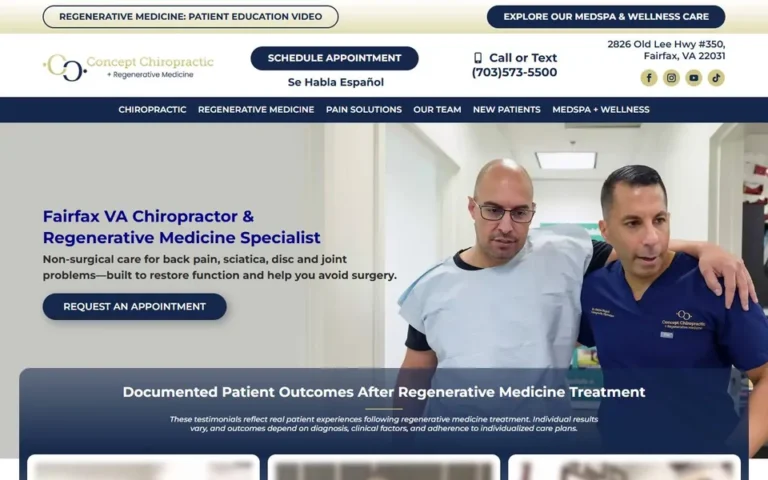 Concept ChiropracticChiropractic and regenerative medicine, USA
chiroregenmed.com
-
 Concept MedSpaMedical spa, USA
conceptmedicalspa.com
-
 Star SleepSleep testing and therapy, USA
starsleeprx.com
-
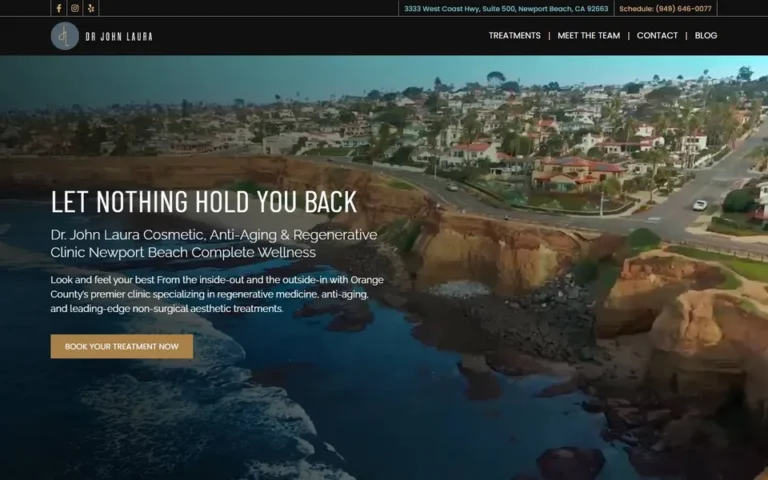 Dr. John LauraCosmetic and regenerative medicine, USA
drjohnlaura.com
-
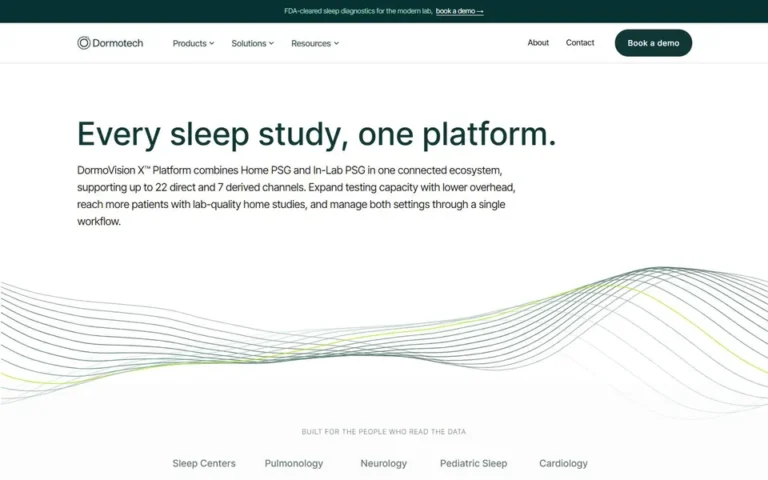 DormoTechSleep diagnostics technology
dormotech.com
-
 Dr. Tama LaneMental health practice
drtamalane.com
-
 MySimpleMedOnline medical care
mysimplemed.com
-
 Lakeview Behavioral HealthBehavioral health clinics, USA
lakeviewbh.com
What our clinic clients say
Dr. Shirine Hegazi of Concept Chiropractic and Concept MedSpa, on working with Asim Baloch and Tangle Logics.
Get your clinic website reviewed
Send us your current website or tell us about your practice. We'll reply within 24 hours with what we'd change, a timeline and a fixed quote.