E-commerce website design: what turns browsers into buyers
Traffic is expensive, so every visitor who leaves without buying costs you money. Here is what an online store needs to sell more, from navigation to checkout, with examples from Shopify and WooCommerce stores we have built.
 By Asim Baloch, Founder of Tangle Logics
Updated · 4 min read
Why online stores lose sales
Most stores do not have a traffic problem. They have a conversion problem. Visitors arrive from ads, social media or Google, look around, and leave. The reasons are usually the same:
- They cannot find the product they came for quickly
- Product pages leave questions unanswered: size, materials, delivery, returns
- The brand does not feel trustworthy enough to hand over card details
- Checkout asks for too much, or springs surprise costs at the last step
- The store is slow or awkward on a phone
Each of these can be fixed in the design, without spending more on ads.
Navigation that gets shoppers to products fast
Organise by how customers shop
Group products the way your customers think, not the way your warehouse does. Use clear category names, and keep the main menu short.
Make search prominent
Shoppers who search usually know what they want, and they buy more often. Put a search box in the header, with suggestions as they type.
Lead with bestsellers
Your homepage should show your best products and collections in the first few screens, with prices, so visitors can start shopping immediately.
Product pages that answer every question
The product page is where the sale is won or lost. A strong product page includes:
- Large, sharp photos from several angles, plus the product in use
- A clear price, options and quantity next to the add-to-cart button
- Benefits first, then details: sizes, materials, ingredients or specifications
- Delivery times, shipping costs and the returns policy, close to the button
- Reviews with photos from real customers
Build trust before checkout
Shoppers hesitate to pay a brand they have just discovered. Reduce that risk on every page:
- Show reviews and ratings on product and collection pages
- Display shipping, returns and guarantee information clearly
- Use familiar payment methods and show their logos
- Tell your brand story, with real photos of the people behind it
- Make contact details easy to find, including a phone number or live chat
Offers, bundles and subscriptions
The easiest sale is a bigger one, or a repeat one. Good stores design for both:
Bundles and quantity offers
Pair products that go together and show the saving clearly. Bundles raise the average order value and help customers try more of your range.
Subscriptions
For products people reorder, such as coffee, pet food or skincare, a subscription with a small discount turns one-time buyers into regular customers.
Free shipping thresholds
A free shipping threshold just above your average order value encourages shoppers to add one more item.
A checkout that does not lose people
Every extra step in checkout loses buyers. Keep it short and predictable:
- Allow guest checkout, and offer an account after the purchase
- Show all costs, including shipping and taxes, before the final step
- Offer express payment options such as Apple Pay, Google Pay and PayPal
- Ask only for the details you need to deliver the order
- Send a clear confirmation email straight away
- Recover abandoned carts with a well-timed reminder email
Wholesale and B2B ordering
If you sell to trade customers too, give them their own path: a trade login, wholesale pricing, quick reordering and a simple way to request a quote for large orders.
Mobile first, always
Most store visits happen on a phone, so design the mobile experience first:
- Fast pages, with images compressed and sized for small screens
- Large tap targets, and the cart always one tap away
- Simple filters that work with a thumb
- Express checkout, so shoppers never have to type a card number on a phone

Shopify or WooCommerce?
Shopify suits most product brands that want a store that is simple to run, with hosting, security and updates handled for them. WooCommerce suits stores that need full control over features, sell complex or configurable products, or want their store and content together on WordPress. We recommend the right platform for your business on a short discovery call.
Planning a new website?
Send us your current site or your idea. We reply within 24 hours with the recommended approach, timeline and a fixed quote.
A launch checklist for online stores
- Search and clear categories in the header
- Bestsellers and prices visible on the homepage
- Product pages with large photos, options, delivery and returns near the button
- Reviews on product and collection pages
- Bundles, subscriptions or a free shipping threshold set up where they fit
- A short checkout with guest checkout and express payments
- Abandoned cart emails switched on
- Every page tested and fast on a phone
Online stores we have built
Shopify and WooCommerce stores for brands, retailers and wholesalers. Select any store to visit it.
-
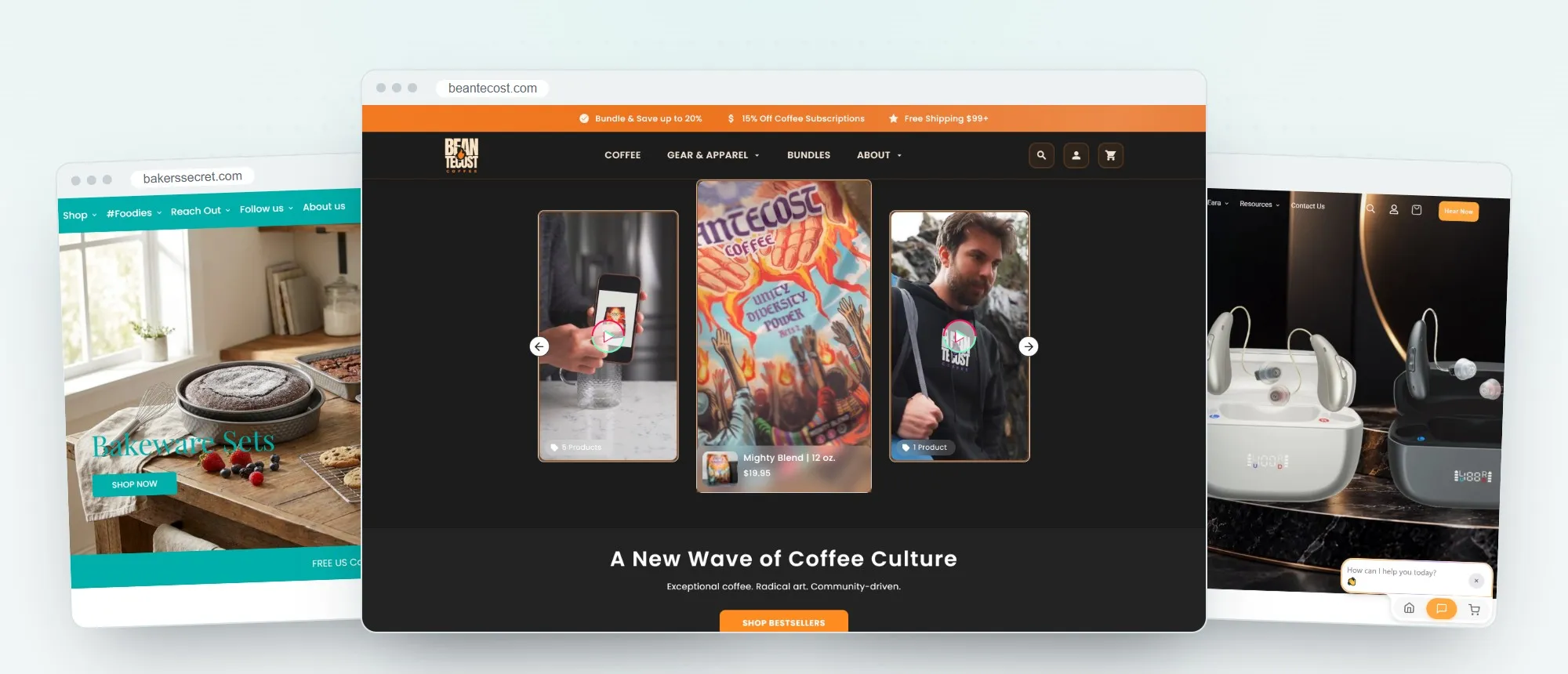
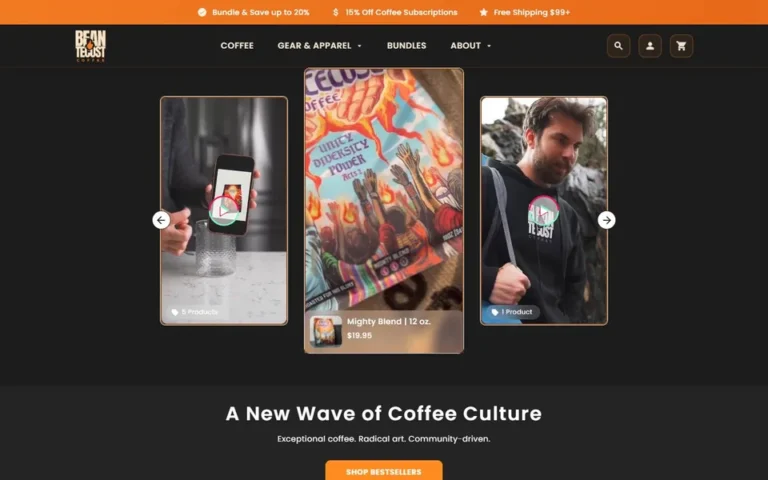 Beantecost CoffeeCraft coffee brand, Shopify
beantecost.com
Beantecost CoffeeCraft coffee brand, Shopify
beantecost.com
-
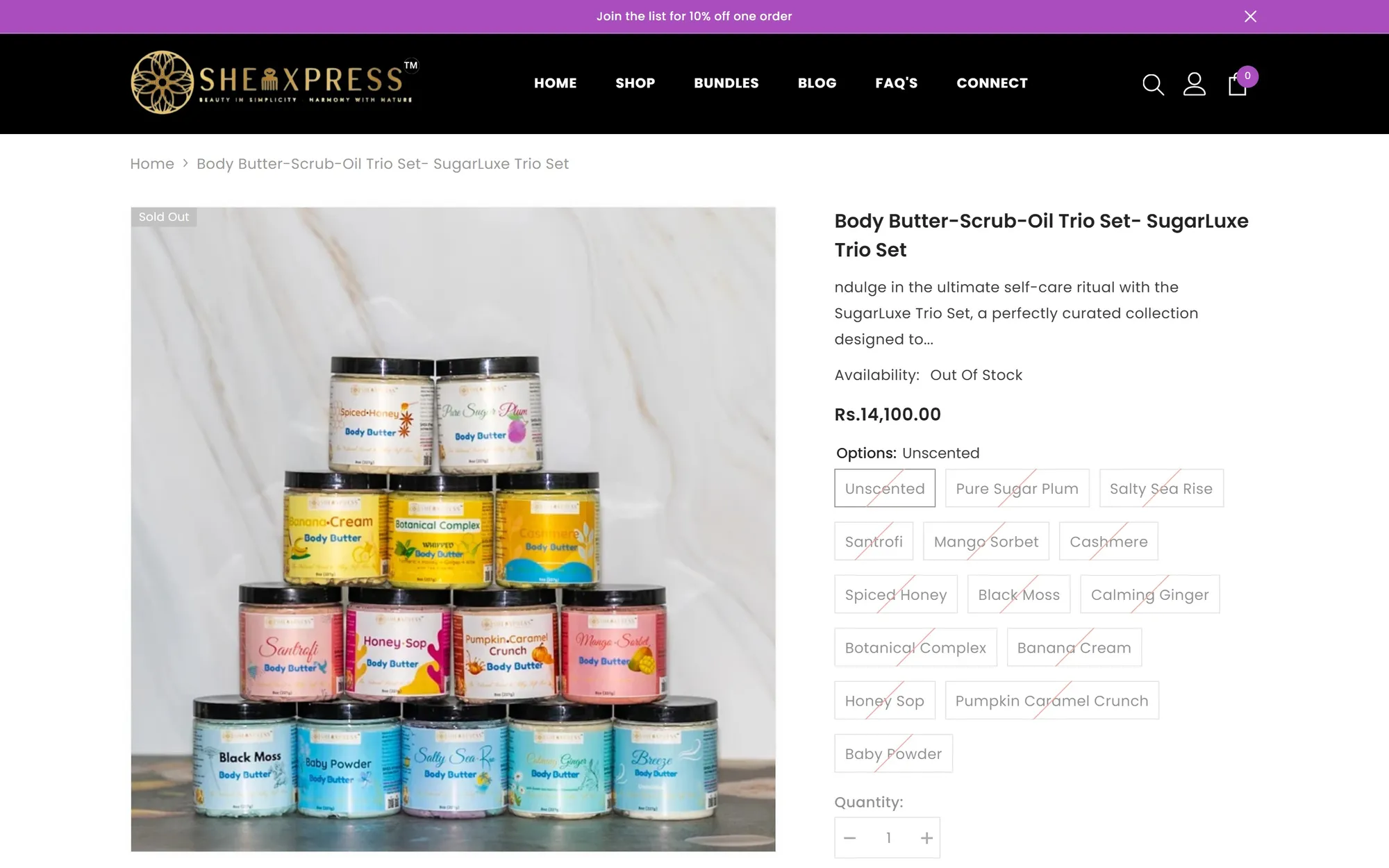
 SheaXpressNatural beauty, Shopify
sheaexpress.com
SheaXpressNatural beauty, Shopify
sheaexpress.com
-
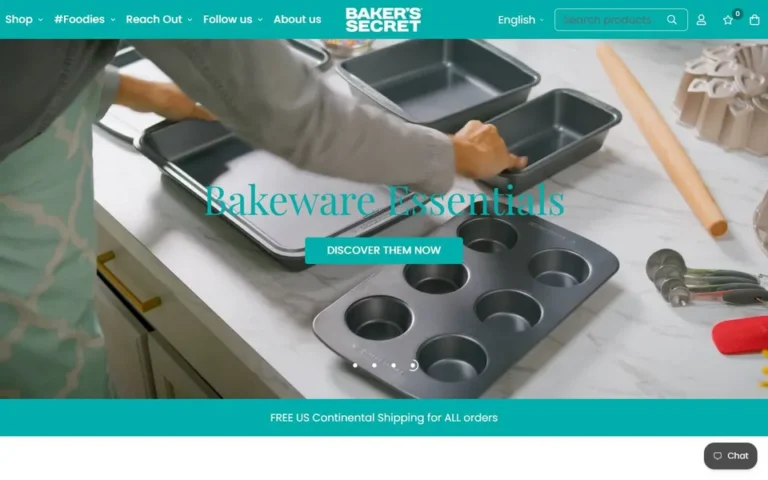 Baker's SecretBakeware brand, Shopify
bakerssecret.com
Baker's SecretBakeware brand, Shopify
bakerssecret.com
-
 EaraHearing aids, Shopify
earahearing.com
EaraHearing aids, Shopify
earahearing.com
-
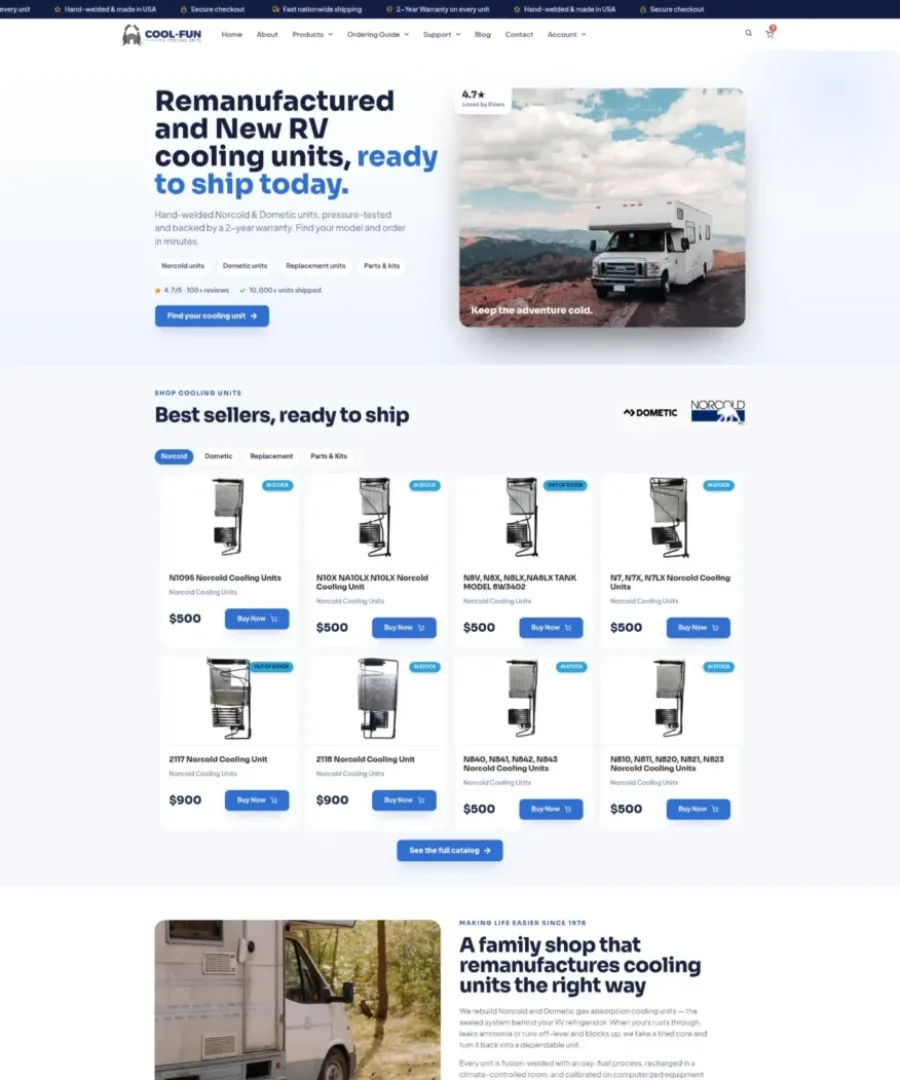
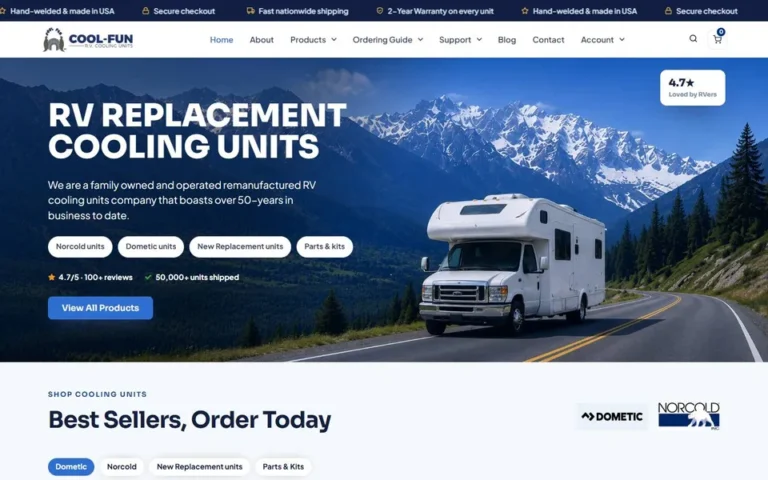 Cool Fun RVRV cooling units, WooCommerce
coolfunrv.com
Cool Fun RVRV cooling units, WooCommerce
coolfunrv.com
-
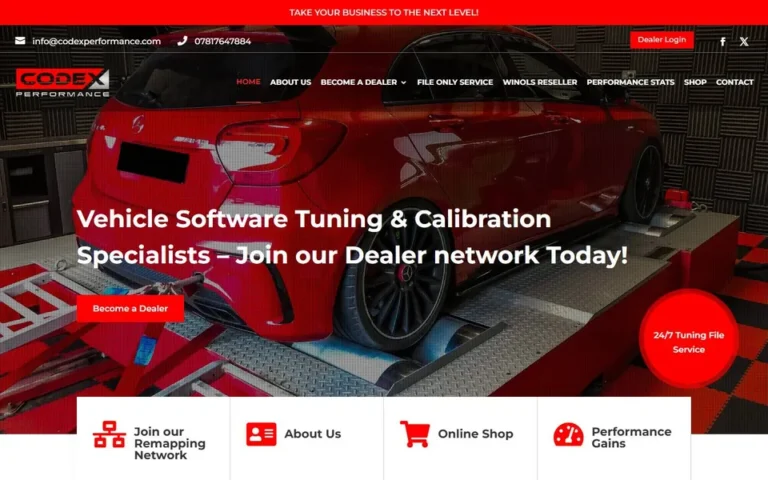 CodeX PerformanceVehicle tuning, WooCommerce
codexperformance.com
CodeX PerformanceVehicle tuning, WooCommerce
codexperformance.com
-
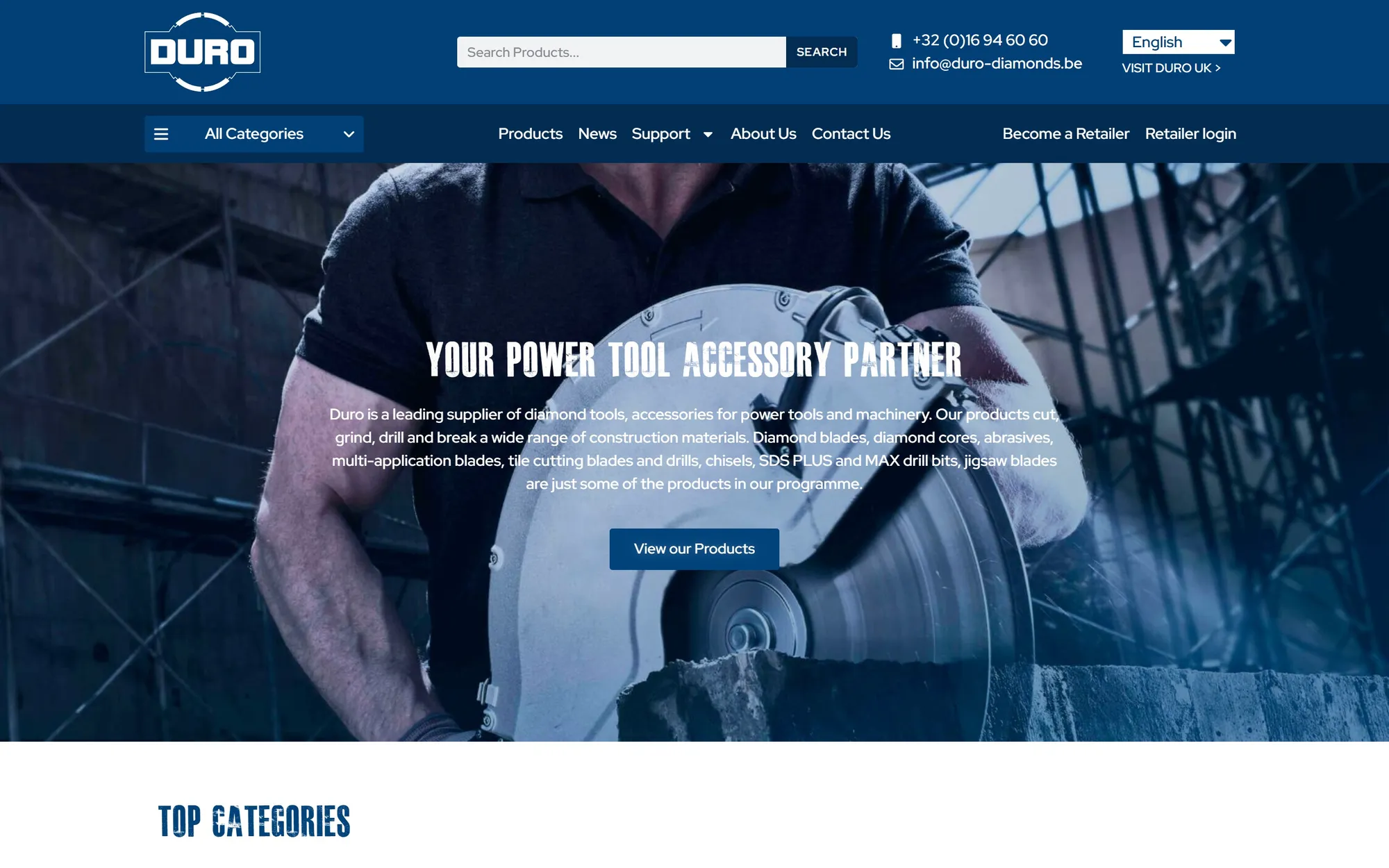
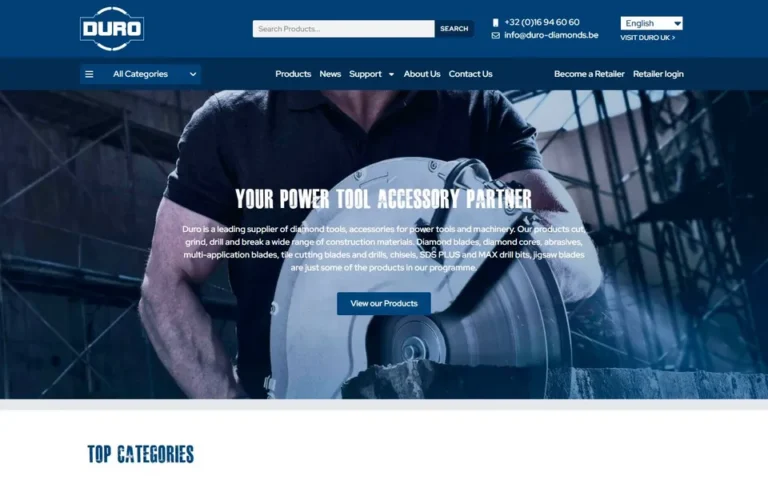 Duro DiamondsTool accessories, WooCommerce
duro-diamonds.be
Duro DiamondsTool accessories, WooCommerce
duro-diamonds.be
-
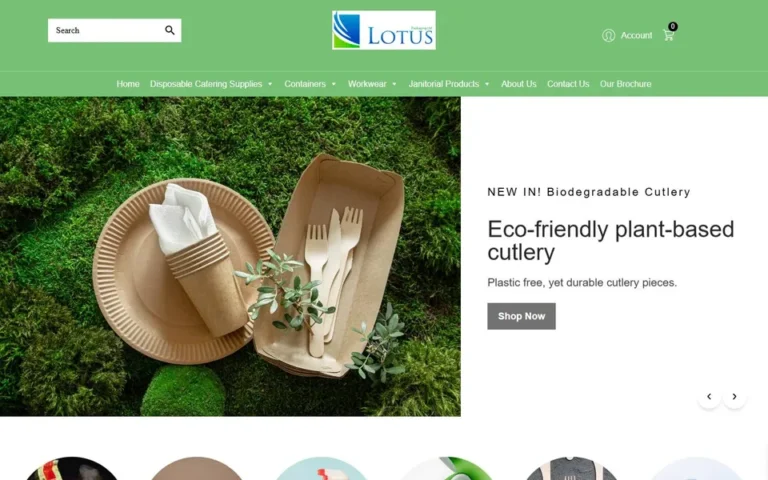 Lotus PackagingEco packaging, WooCommerce
lotuspackaging.co.uk
Lotus PackagingEco packaging, WooCommerce
lotuspackaging.co.uk
-
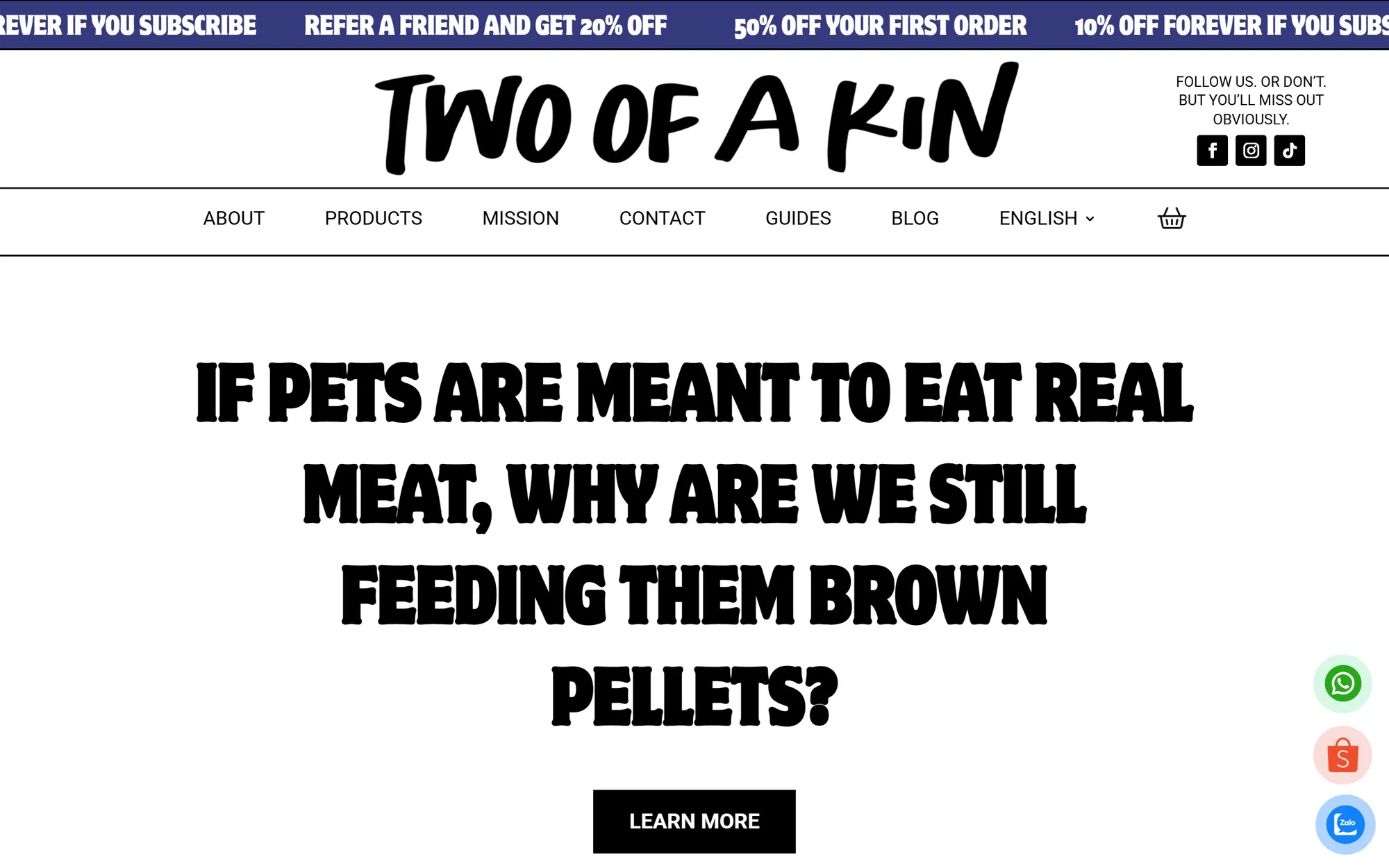
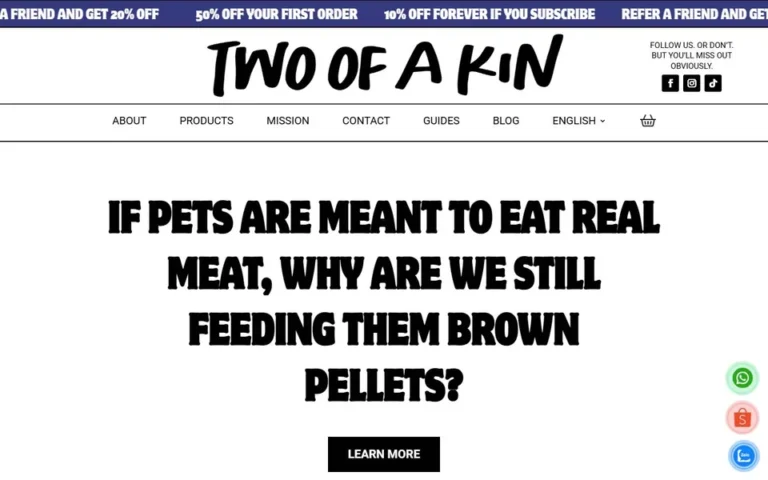 Two of a KinRaw pet food, WooCommerce
twoofakin.com
Two of a KinRaw pet food, WooCommerce
twoofakin.com
-
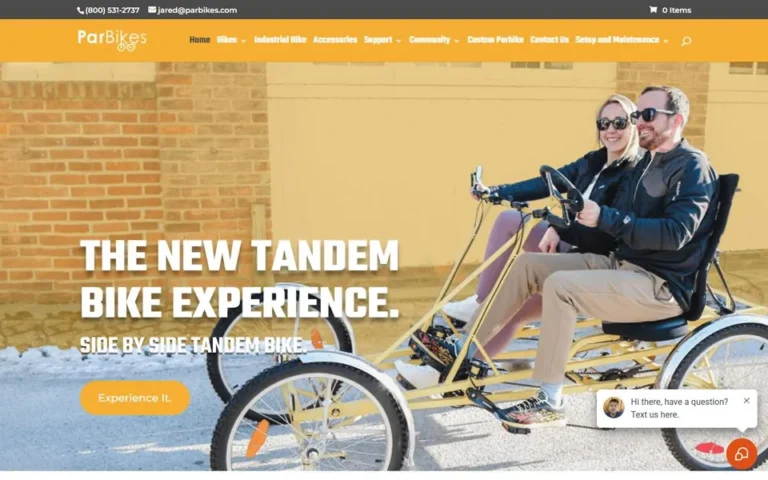 ParbikesTandem bikes, WooCommerce
parbikes.com
ParbikesTandem bikes, WooCommerce
parbikes.com
-
 Real Skin CareSkincare and fragrance, Shopify
real-skin-care.com
Real Skin CareSkincare and fragrance, Shopify
real-skin-care.com
-
 Shop CharmaineFashion, WooCommerce
shopcharmaine.com
Shop CharmaineFashion, WooCommerce
shopcharmaine.com
-
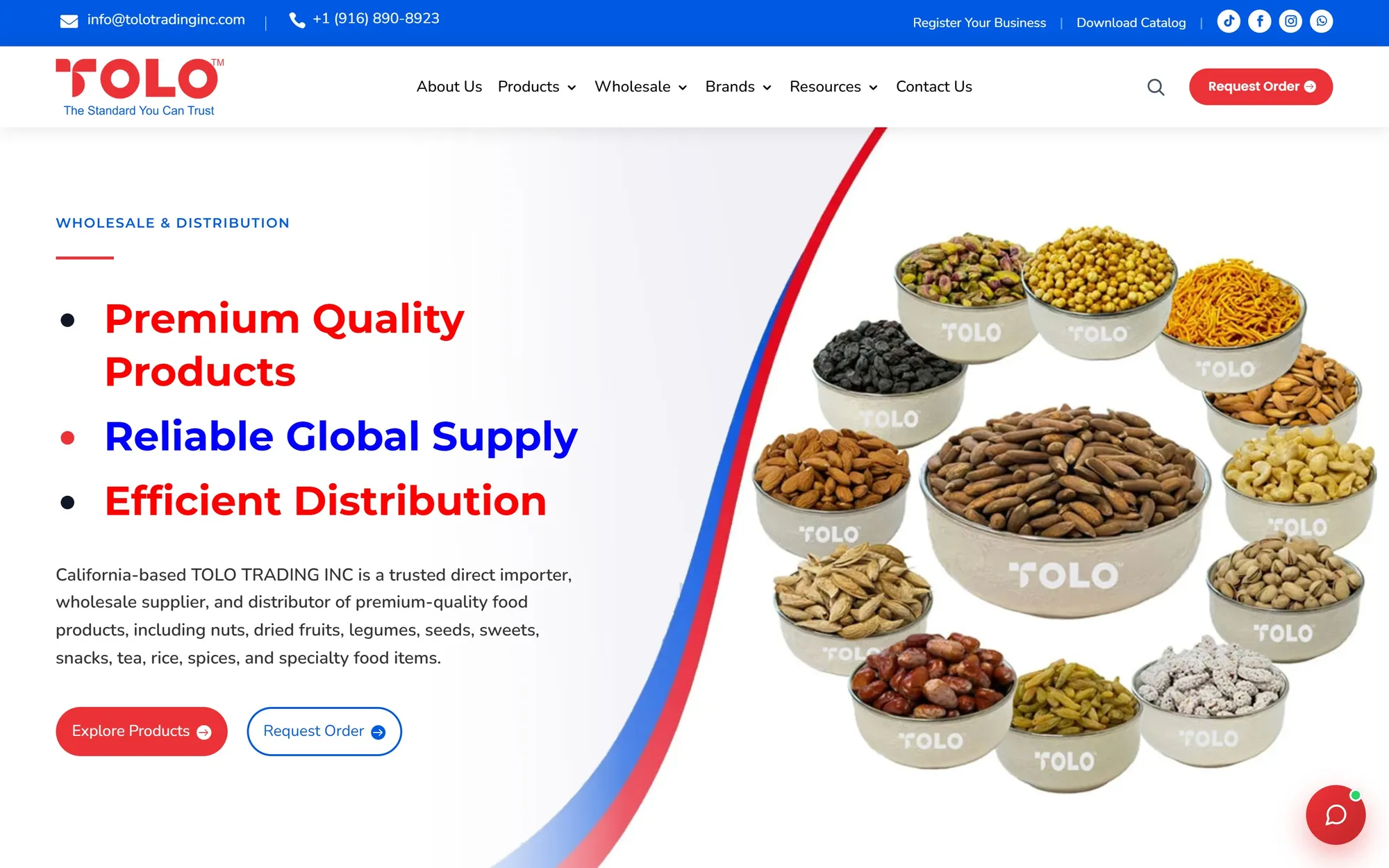
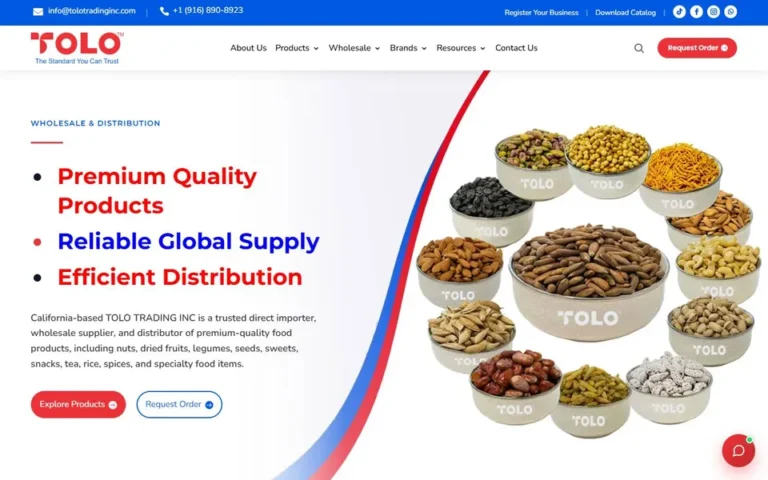 TOLO TradingWholesale food importer
tolotradinginc.com
TOLO TradingWholesale food importer
tolotradinginc.com
-
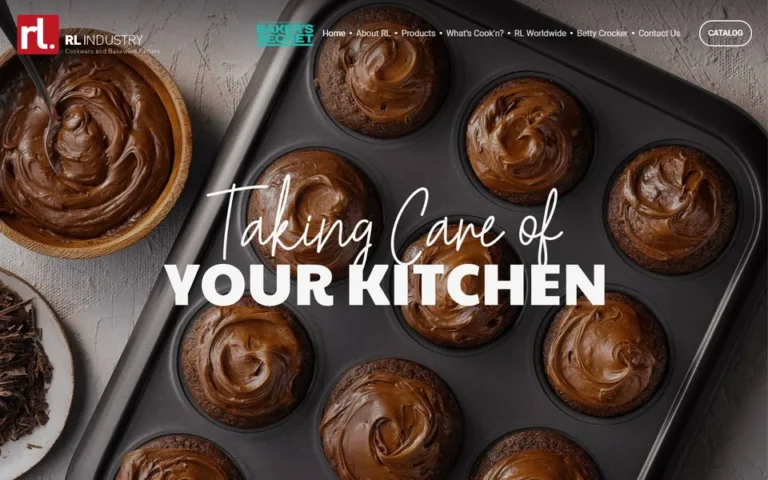 RL IndustryKitchen and bakery products
rlindustry.com
RL IndustryKitchen and bakery products
rlindustry.com
-
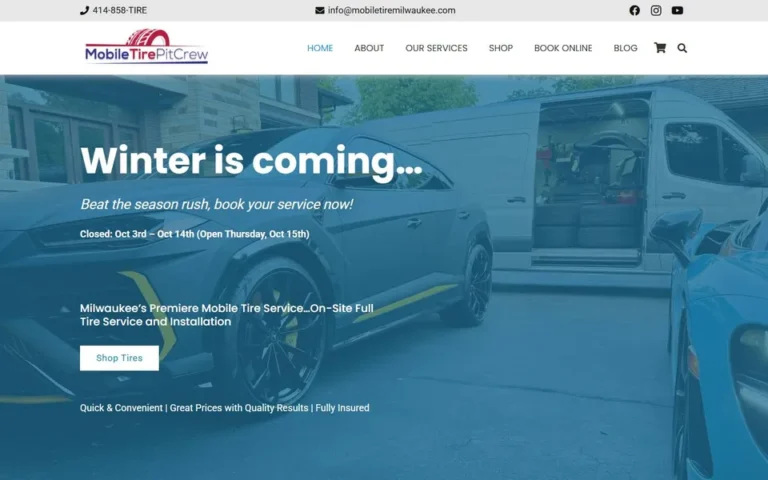 Mobile Tire Pit CrewTyre shop and booking, WooCommerce
mobiletiremilwaukee.com
Mobile Tire Pit CrewTyre shop and booking, WooCommerce
mobiletiremilwaukee.com
-
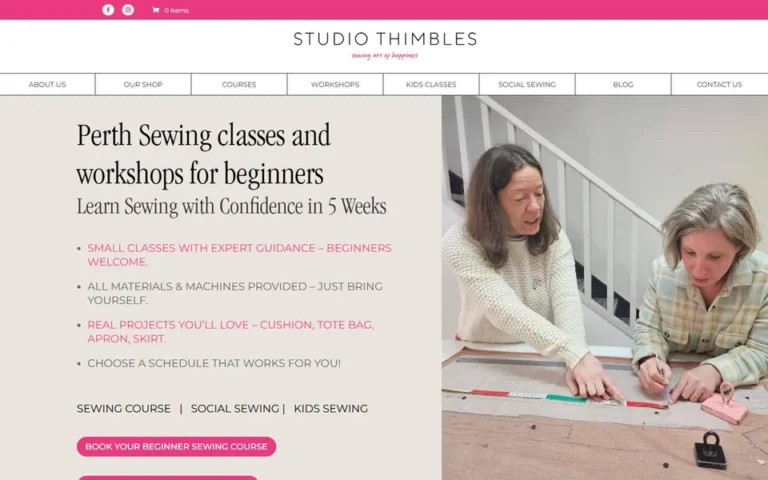 Studio ThimblesSewing shop and courses, WooCommerce
studiothimbles.com.au
Studio ThimblesSewing shop and courses, WooCommerce
studiothimbles.com.au
Hear it from our clients
Unscripted video reviews from business owners we have built for.
How much does an e-commerce website cost?
It depends on the number of products, the platform, and features such as subscriptions, wholesale pricing or integrations. After a short discovery call you get a fixed quote, so you know the full cost before any work starts.
How long does it take to build an online store?
Most stores launch in three to six weeks. The biggest factor is content: when your product photos and descriptions are ready, things move fast.
Should I choose Shopify or WooCommerce?
Shopify suits most product brands that want a store that is simple to run. WooCommerce suits stores that need full control, sell complex products or already use WordPress. We recommend the right platform on your discovery call.
Can you move my store from another platform?
Yes. We move stores to Shopify or WooCommerce from other platforms, carrying over products, customers and content, and setting up redirects to protect your search rankings.
Can you set up subscriptions, bundles and wholesale pricing?
Yes. We set up subscriptions, bundles, quantity discounts and trade pricing using the tools that suit your platform and products.
Will I be able to manage products and orders myself?
Yes. Both Shopify and WooCommerce make day-to-day management simple, and we train your team before handover.
Do you offer support after launch?
Yes. We stay available for updates, fixes and new features as your store grows.
Get your store reviewed
Send us your current store, or tell us what you sell. We'll reply within 24 hours with what we'd change, a timeline and a fixed quote.