Medical spa website design: what turns visitors into booked consultations
Your website is often a patient's first consultation with your clinic. Here is what a medical spa website needs to earn trust and fill your calendar, with examples from clinics we have built for.
 By Asim Baloch, Founder of Tangle Logics
Updated · 5 min read
Why most medical spa websites lose bookings
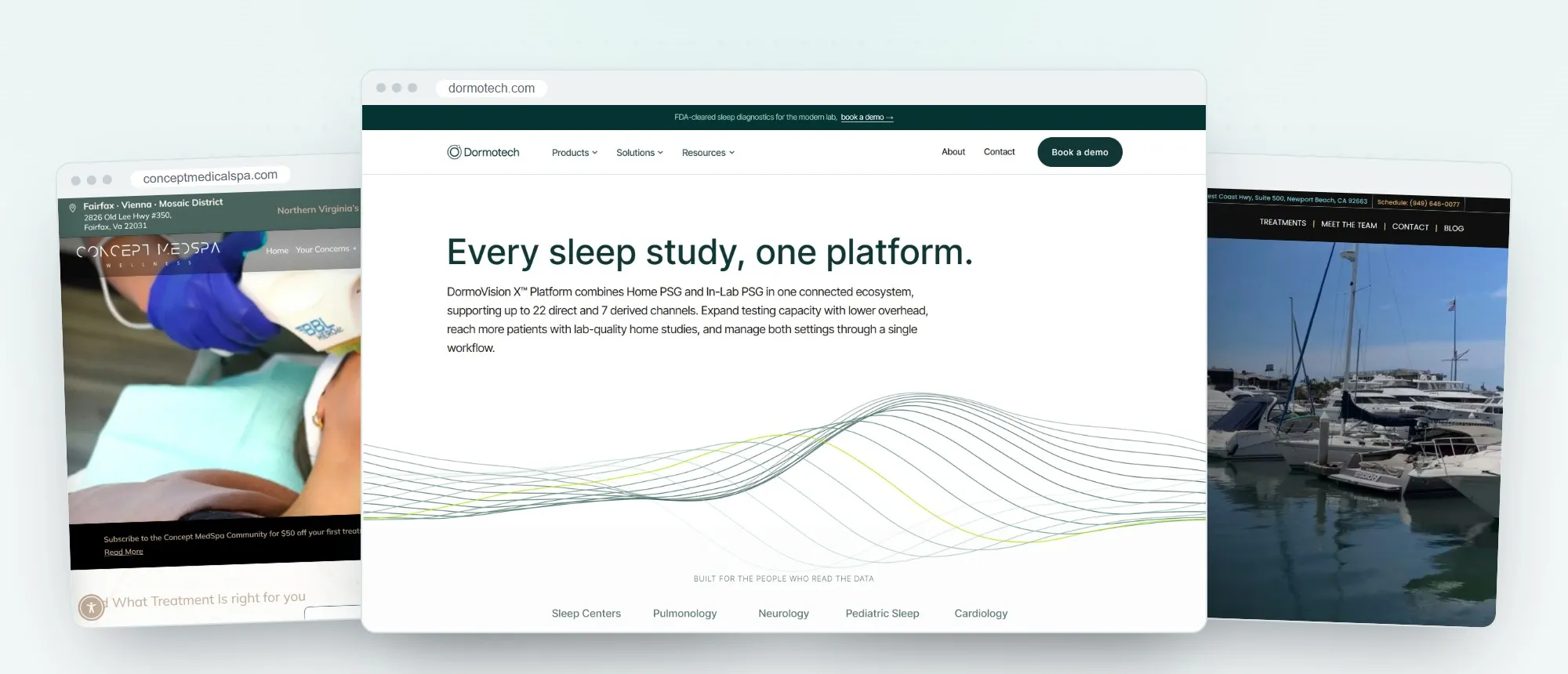
Patients researching aesthetic treatments are cautious. They are choosing someone to work on their face and skin, so they look for reasons to trust you before they book. Most clinic websites let them down in the same few ways:
- Stock photos instead of your real clinic, team and results
- Treatment pages that list services but don't answer the questions patients actually have
- A booking button that is hard to find, or that sends people to a confusing third-party page
- Slow, cluttered pages on mobile, where most patients browse
Fix those, and the same visitors produce more consultations.
Build trust before you ask for the booking
Show the people behind the treatments
Introduce your medical director, nurses and aestheticians with real photos, qualifications and a few words on their approach. Patients book people, not services.
Put real reviews where decisions happen
Place reviews next to the treatments they mention, not only on a testimonials page. Video reviews work especially well: a patient speaking on camera is far more convincing than a written quote.
Make credentials visible
Licences, certifications, memberships and the devices and product brands you use all belong on the site. Keep them close to the booking button.
Treatment pages that answer real questions
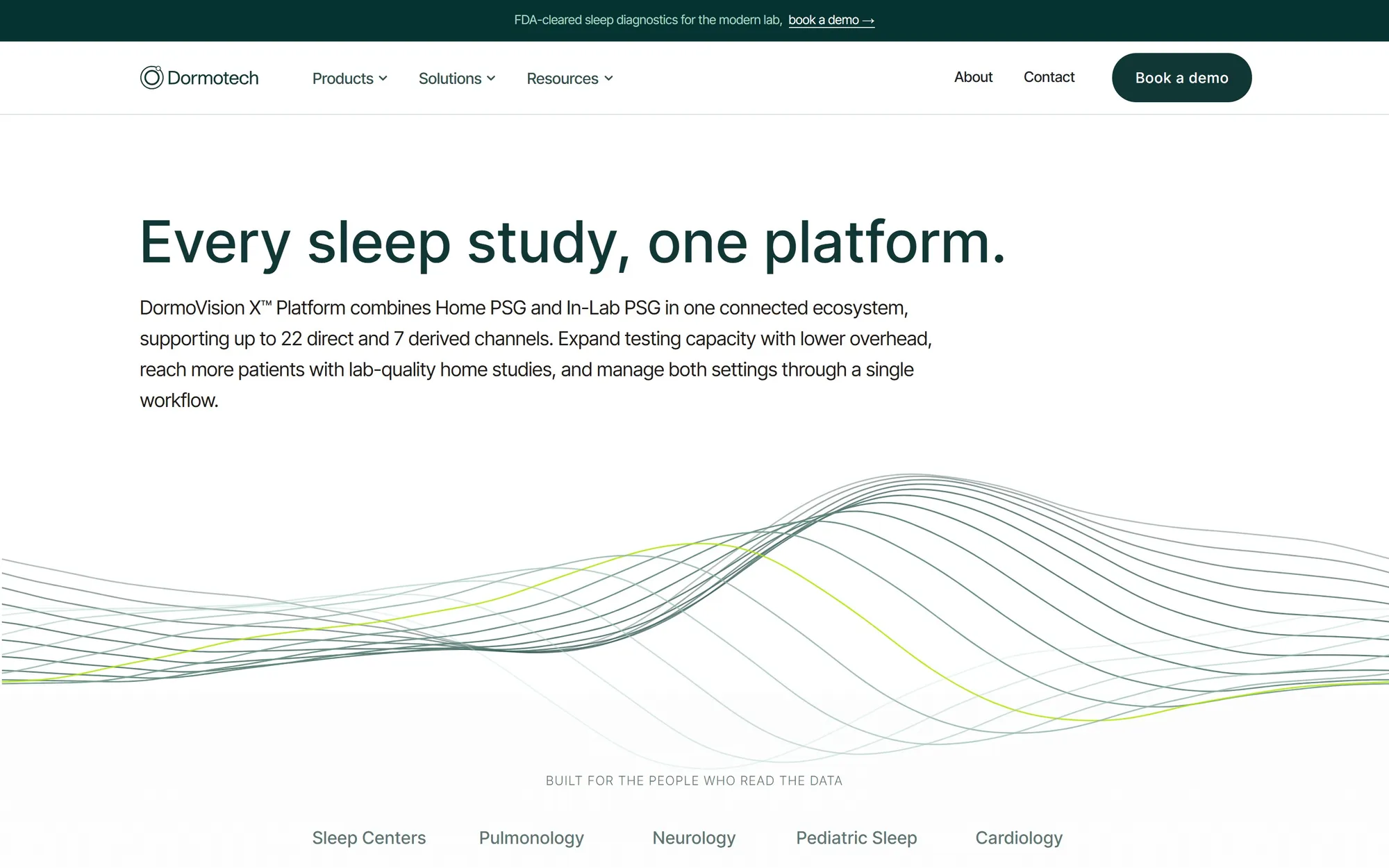
Each treatment deserves its own page, written for the patient rather than the device manufacturer. A strong treatment page covers:
- What the treatment is and who it suits
- What happens during the appointment, and how long it takes
- Downtime, aftercare and when to expect results
- Pricing, or a starting price, if you are able to share it
- Before-and-after photos, with the patient's written consent
- A clear next step: book a consultation
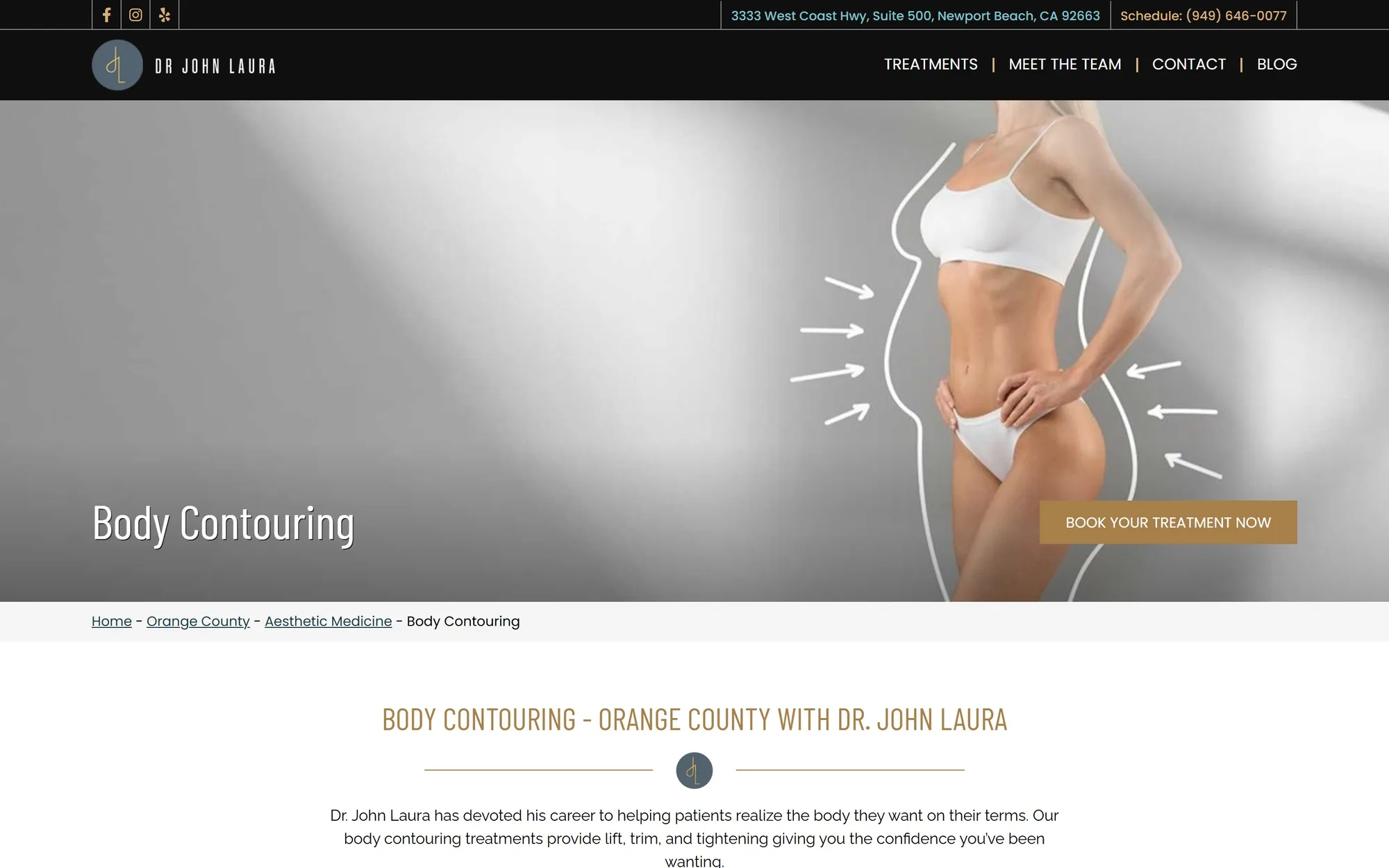
Separate pages also help you rank, because people search for specific treatments and concerns, not for "medical spa".
Help patients prepare
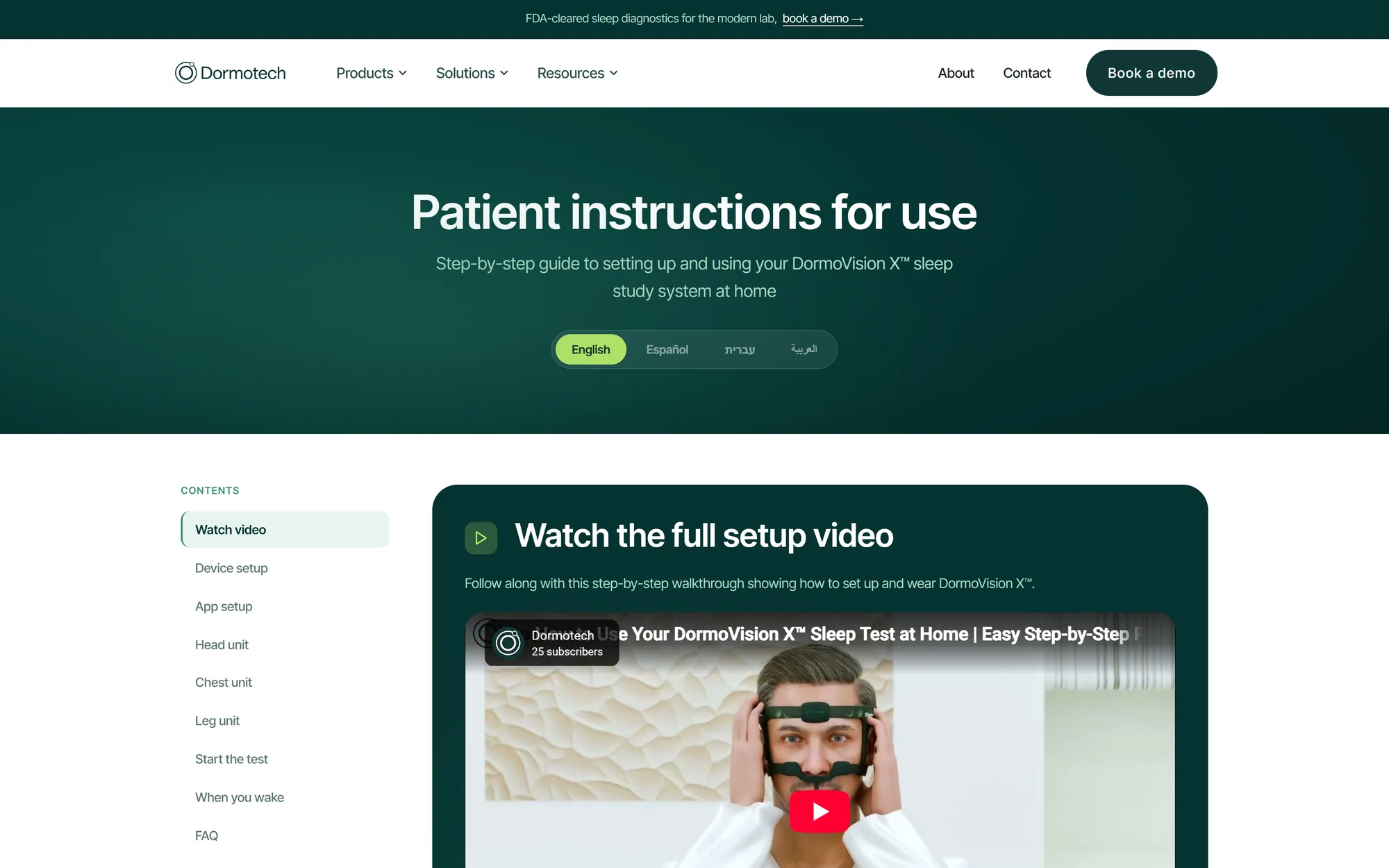
Aftercare and preparation pages build confidence before the appointment and save your team phone calls. Step-by-step instructions, short videos and a clear contents list work best.
A booking path on every page
Keep the button in view
The booking button should sit in the header of every page, on desktop and on mobile, so a patient who is ready never has to look for it.

Connect your booking software
Most clinics already use online booking or practice management software. Your website should hand visitors straight to it, styled to match your brand, rather than to a generic contact form. Where a consultation comes first, a short enquiry form that asks for the treatment of interest and a preferred time works well.
Reply quickly
Every enquiry should reach the right person straight away, by email or directly into your CRM, so no patient is left waiting.
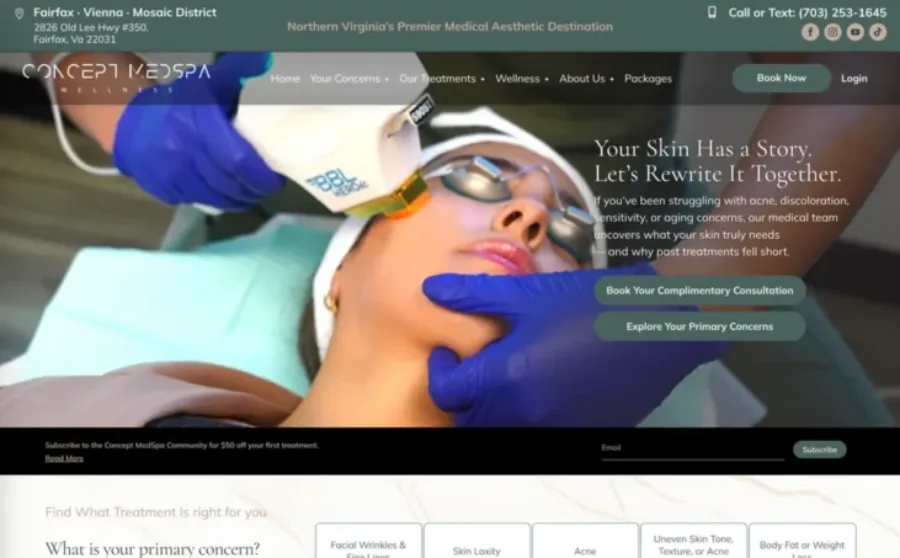
Before-and-after galleries, done properly
Results galleries are among the most visited pages on any aesthetics website, and among the most sensitive.
- Only publish photos with the patient's written consent
- Use consistent lighting and angles, so comparisons are honest
- Organise galleries by treatment, and link each one to its treatment page
- Add a short caption: the treatment, the number of sessions and the time between photos
- Check the advertising rules for medical and aesthetic results where you practise before publishing
Fast, mobile-first and found locally
Most patients search on a phone, often for "med spa near me" or a treatment plus a town name. That makes two things essential.
Speed on mobile
Pages should load quickly on a phone connection. That means optimised images, lean code, and no heavy plugins loading features the page doesn't use.

Local SEO
- A complete Google Business Profile with photos, services and reviews
- Your clinic name, address and phone number, consistent across your website and the web
- A page for each location if you have more than one
- Treatment pages that mention the areas you serve, naturally
- Structured data that tells search engines what your clinic offers
Privacy and patient forms
Medical websites collect sensitive information, so treat forms with care. Ask only for what you need before the consultation, keep detailed medical history inside your secure booking or practice software, and make sure your privacy policy explains how enquiries are handled. If your clinic must meet healthcare privacy rules where you operate, check your form and booking tools with your compliance adviser before launch.
Why WordPress suits most medical spas
WordPress gives clinics full ownership of their website, flexible design and strong SEO control. It connects with most booking tools, makes it easy to add treatment pages and articles as your services grow, and lets your team update prices, offers and staff profiles without a developer.
Planning a new website?
Send us your current site or your idea. We reply within 24 hours with the recommended approach, timeline and a fixed quote.
A launch checklist for medical spa websites
- Every treatment has its own page, with downtime, aftercare and a clear next step
- The booking button is visible on every page, on desktop and mobile
- Real photos of your clinic, your team and consented results
- Reviews placed beside the treatments they mention
- Credentials and qualifications visible near the booking button
- Pages load fast on a phone
- Your Google Business Profile is complete and matches the website
- Forms collect only what is needed and are covered by your privacy policy
Healthcare and wellness websites we have built
Medical spas, dental and chiropractic practices, mental health clinics and wellness brands. Select any project to visit the live site.
-
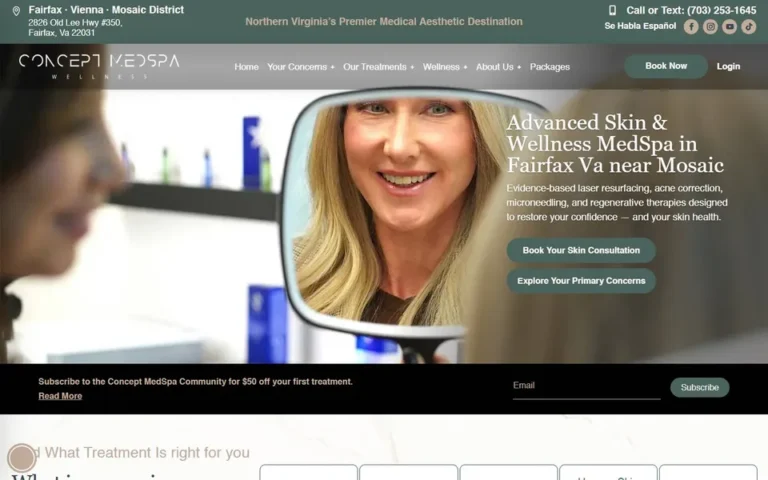 Concept Medical SpaMedical spa, USA
conceptmedicalspa.com
Concept Medical SpaMedical spa, USA
conceptmedicalspa.com
-
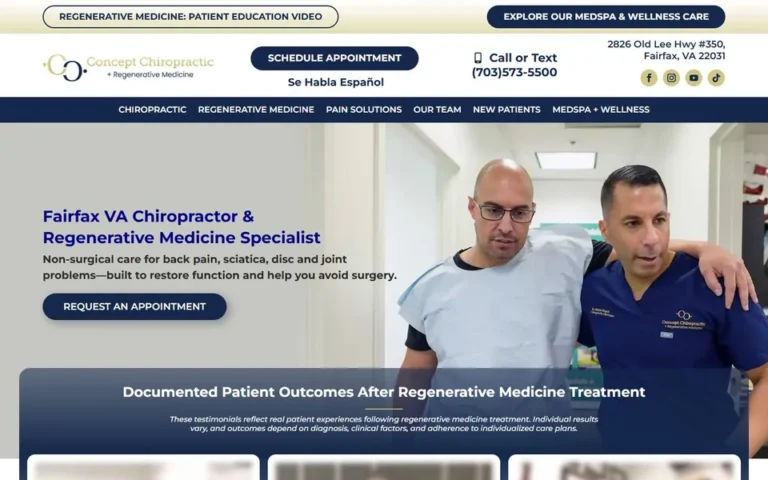 Concept ChiropracticChiropractic and regenerative medicine, USA
chiroregenmed.com
Concept ChiropracticChiropractic and regenerative medicine, USA
chiroregenmed.com
-
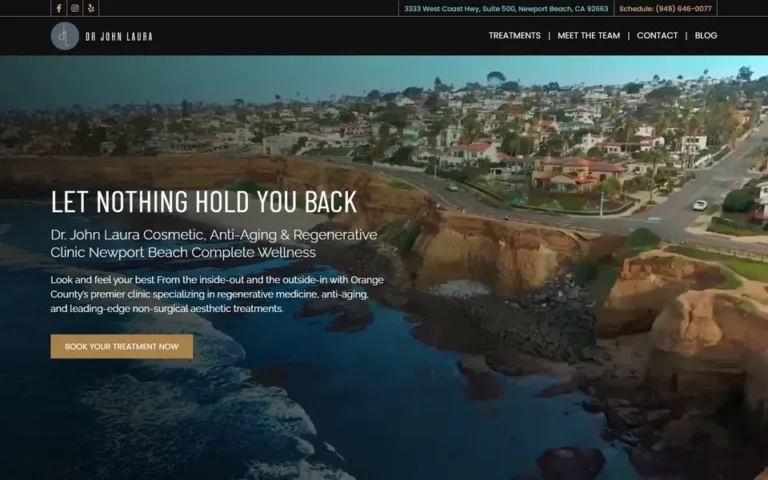 Dr. John LauraCosmetic and regenerative medicine, USA
drjohnlaura.com
Dr. John LauraCosmetic and regenerative medicine, USA
drjohnlaura.com
-
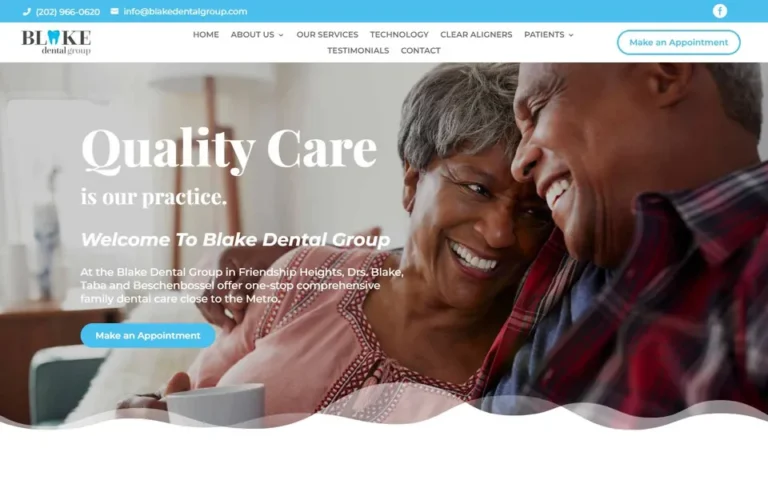 Blake Dental GroupDental practice, USA
blakedentalgroup.com
Blake Dental GroupDental practice, USA
blakedentalgroup.com
-
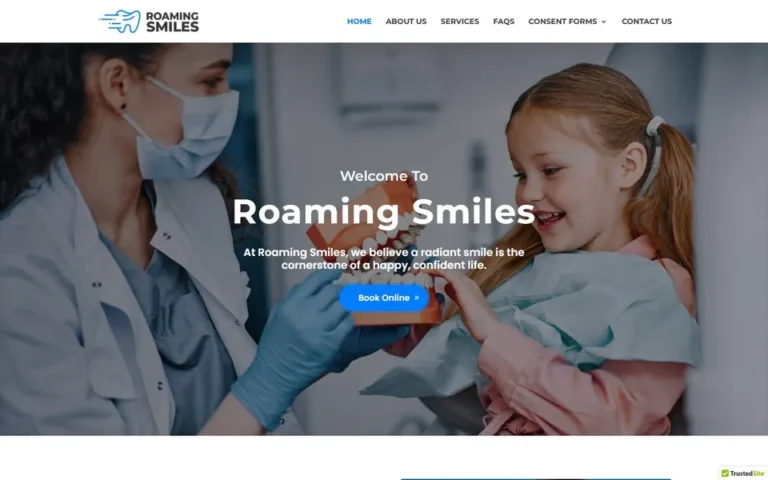 Roaming SmilesMobile dental care, Australia
roamingsmiles.com.au
Roaming SmilesMobile dental care, Australia
roamingsmiles.com.au
-
 Star SleepSleep testing and therapy, USA
starsleeprx.com
Star SleepSleep testing and therapy, USA
starsleeprx.com
-
 Lakeview Behavioral HealthBehavioral health clinics, USA
lakeviewbh.com
Lakeview Behavioral HealthBehavioral health clinics, USA
lakeviewbh.com
-
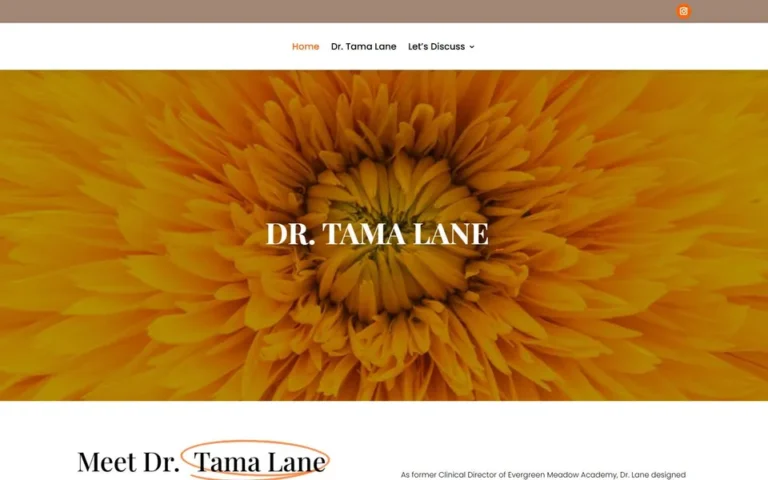 Dr. Tama LaneMental health practice
drtamalane.com
Dr. Tama LaneMental health practice
drtamalane.com
-
 Orchid House CounselingCounseling practice
orchidhousecounseling.com
Orchid House CounselingCounseling practice
orchidhousecounseling.com
-
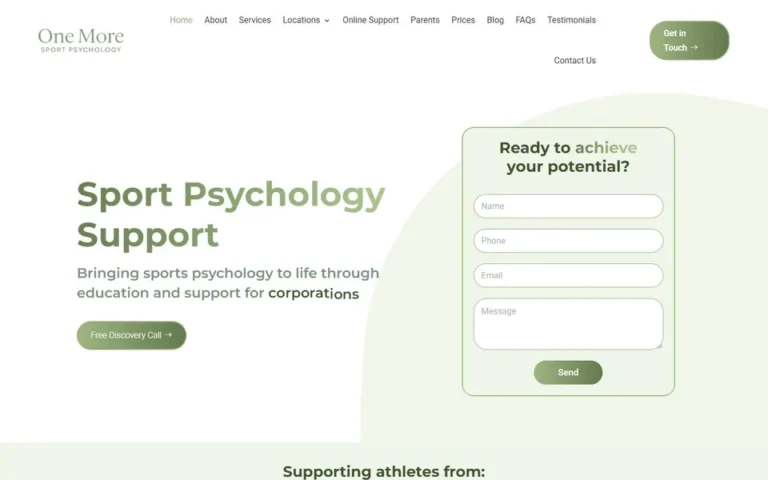 One More Sport PsychologySport psychology practice
onemoresportpsychology.com
One More Sport PsychologySport psychology practice
onemoresportpsychology.com
-
 MySimpleMedOnline medical care
mysimplemed.com
MySimpleMedOnline medical care
mysimplemed.com
-
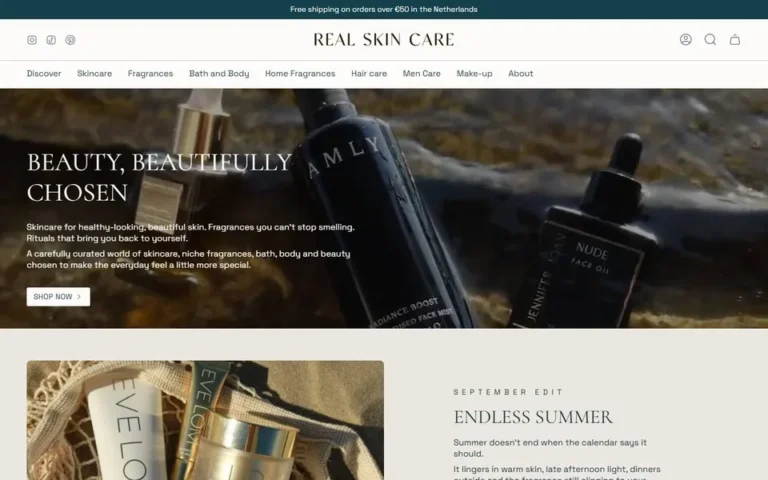 Real Skin CareSkincare and beauty store
real-skin-care.com
Real Skin CareSkincare and beauty store
real-skin-care.com
-
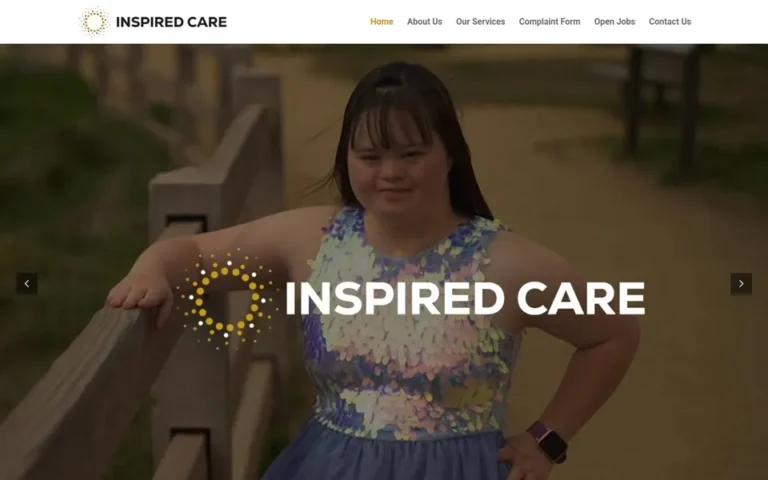 Inspired CareSpecial needs care provider
inspiredcares.com
Inspired CareSpecial needs care provider
inspiredcares.com
-
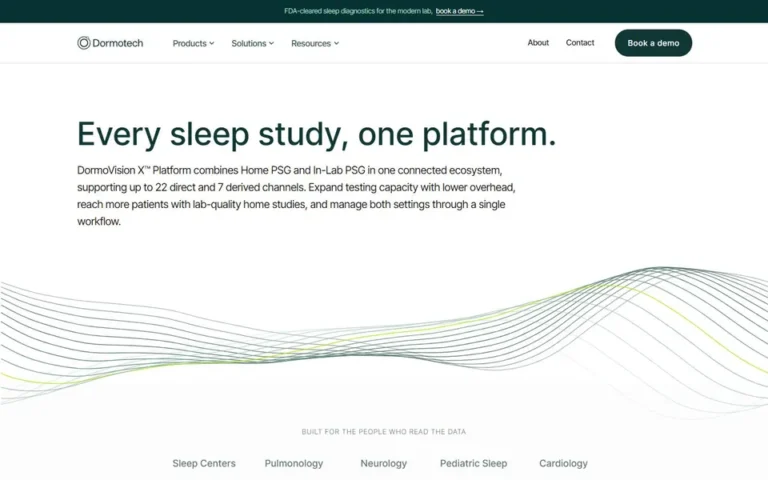 DormoTechSleep diagnostics technology
dormotech.com
DormoTechSleep diagnostics technology
dormotech.com
-
 Tiffany Powers HealingEnergy healing practice
tiffanypowershealing.com
Tiffany Powers HealingEnergy healing practice
tiffanypowershealing.com
-
 The Light of HealingEnergy healing school
thelightofhealing.com
The Light of HealingEnergy healing school
thelightofhealing.com
Hear it from a clinic owner
Dr. Shirine Hegazi of Concept Chiropractic & Regenerative Medicine on working with us.
How much does a medical spa website cost?
It depends on the number of treatment pages, galleries and integrations. After a short discovery call you get a fixed quote, so you know the full cost before any work starts.
How long does it take to build a medical spa website?
Most clinic websites launch in three to six weeks. The biggest factor is content: when your treatment details, photos and team bios are ready, things move fast.
Can you connect our booking software?
Yes. We connect the website to the booking or practice management tool you already use, styled to match your brand, or set up a consultation enquiry form if you prefer. Tell us what you use on your discovery call.
Can you add before-and-after galleries?
Yes. We build galleries organised by treatment, optimised so they load fast, and linked to each treatment page. You provide photos you have consent to publish.
Will the website help us rank locally?
It gives you strong foundations: fast pages, a page for every treatment, clear location details and structured data. Local rankings also depend on your Google Business Profile and reviews, and we can advise on both.
Do you build websites for chiropractic and wellness clinics too?
Yes. We build for medical spas, chiropractic and regenerative medicine practices and wellness clinics. Dr. Shirine Hegazi of Concept Chiropractic & Regenerative Medicine shares her experience in the video above.
Can we update treatments and prices ourselves?
Yes. Your team can edit treatments, prices, offers and staff profiles in WordPress without a developer, and we train you before handover.
Get your clinic website reviewed
Send us your current website, or tell us about your clinic. We'll reply within 24 hours with what we'd change, a timeline and a fixed quote.